
Run your own AI social post scheduler on WordPress
Your members write posts with an AI writer that knows their brand voice, plan them on a drag-and-drop calendar and let a background queue publish them on time – while you sell credits and monthly plans at the prices you choose.
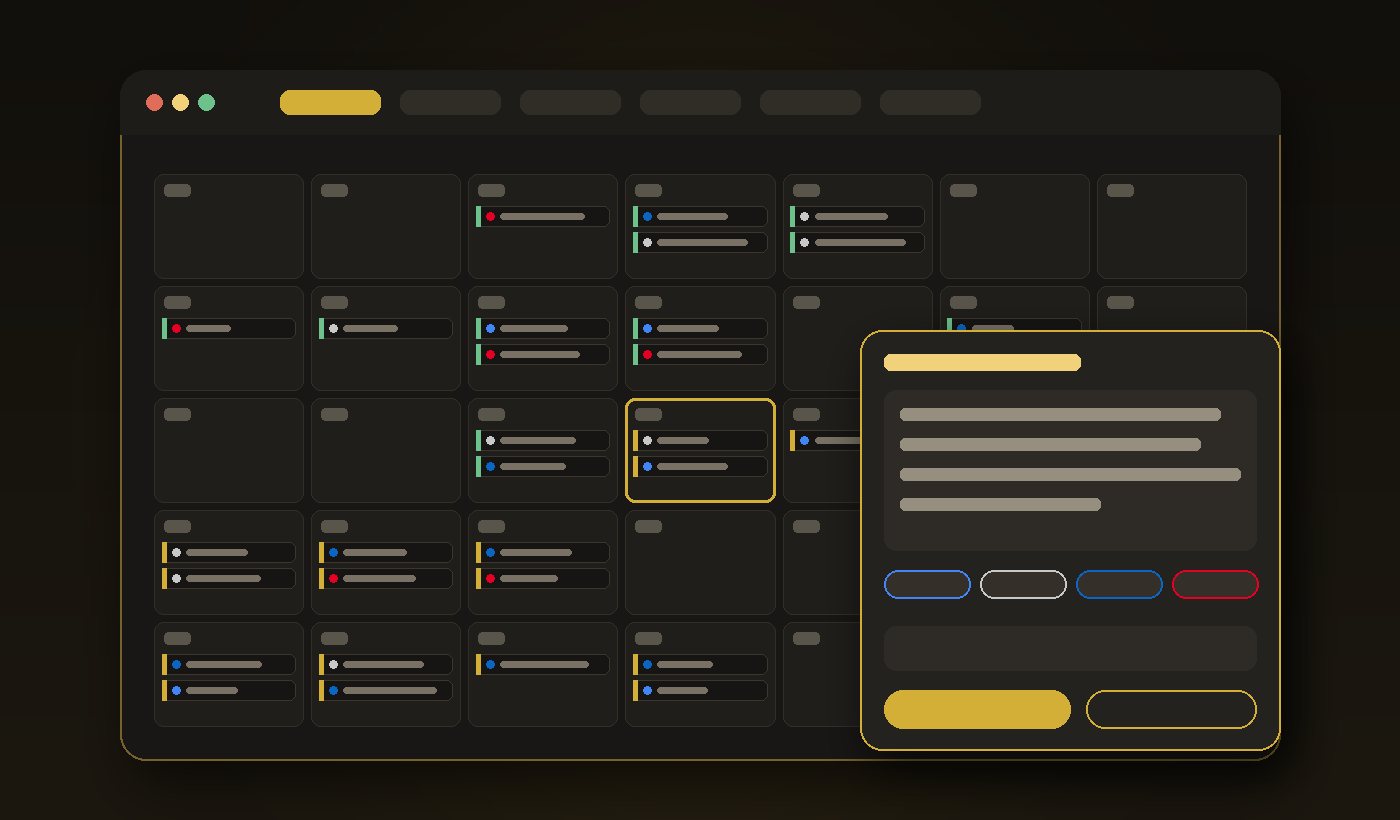
Everything a busy social media manager needs, in one studio
AI post writer
A topic, product or link becomes captions sized for each network, with hashtags and a few variations.
Saved brand voice
Tone, audience, words to use and words to avoid, applied every time the writer runs.
Drag-and-drop calendar
Month, week and list views. Drag a post to another day to reschedule it.
Time-slot queue
Every account has its own posting times. One click puts a post in the next free slot.
Drafts, templates and repeats
Save ideas, reuse templates and repeat posts every day, week or month.
Image library
Attach an uploaded image to any post and see a live preview with a character counter.
Background publishing
Members connect their own pages with their own access tokens. Posts go out on time with retries, and failed posts refund their credits.
Copy and post by hand
A manual mode moves due posts to Ready to post with a copy button, and any month exports to CSV.
You set the prices. You keep control of costs.
- Monthly plans and one-off credit packs, paid by card through your own payment account.
- Choose how many credits each action costs: AI post writer, rewrite, hashtag ideas and each published post.
- A usage dashboard shows real AI spend by day and by member.
- Monthly spend cap, daily call cap and hourly limits per member protect your budget.
- Failed posts and AI actions return their credits automatically, with a full credit history for every member.
- Starter credits for new accounts, manual adjustments and a hold switch for any member.
Built for site owners
- Branded admin menu with a setup checklist, one settings area and bundled documentation.
- Works out of the box in sample mode with a practice publisher – no AI or network accounts needed to explore or demo.
- Built-in email sending settings and a built-in newsletter with a free ebook download.
- Privacy export and erase tools, a one-click “Delete all my data” for members, starter Privacy and Terms pages.
- Homepage, pricing and sign-up pages built from editable blocks.
- No extra add-ons required – everything ships inside the theme.
Free ebook for your visitors
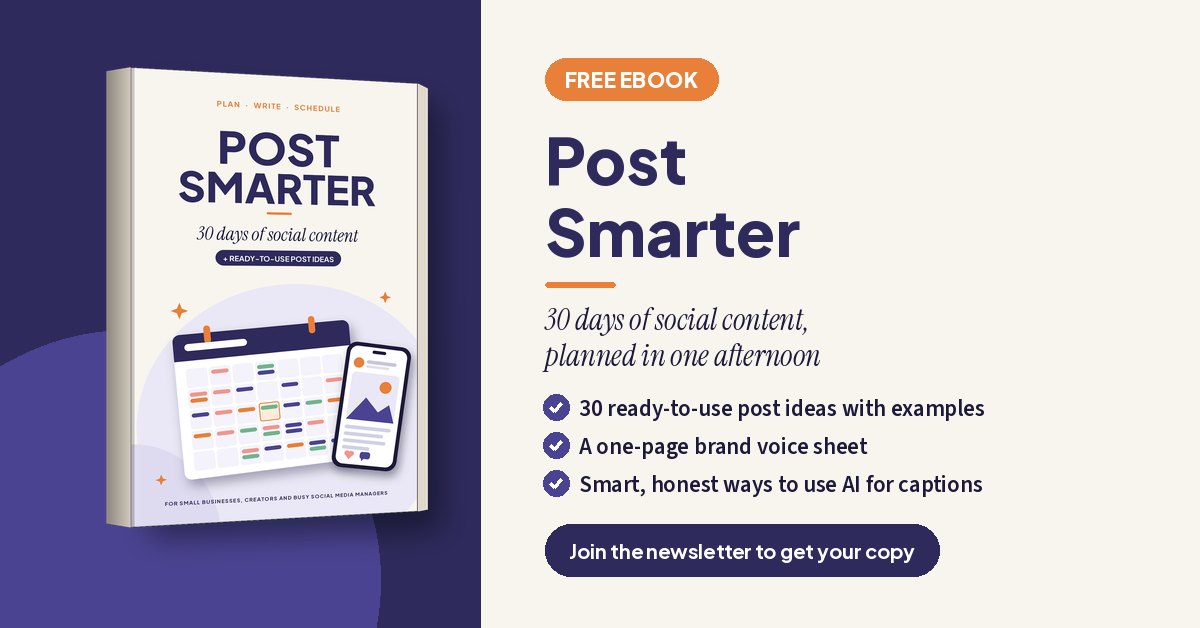
The theme includes a ready-made ebook, “Post Smarter: 30 Days of Social Content”, a friendly month of post ideas and planning tips, delivered through a protected download link when visitors join your newsletter. Popup, inline form and editor block included, with optional double opt-in, unsubscribe links and CSV export.
Try every role in the demo
Social media manager
A bakery café manager with a full month on the calendar across four networks, drafts, templates, a weekly repeat and credit history.
Agency owner (studio manager)
The owner’s view with sample data: members and credits, usage and AI cost, subscribers.
New user
A fresh account with starter credits, ready to add a first account and write a first week of posts.
Questions
Do I need an AI account to start?
No. Every AI action has a built-in sample reply, so the whole studio works for testing and demos. Connect your own AI account in the settings when you are ready to go live.
How do I get paid?
Members pay by card on a secure hosted checkout page connected to your own payment account. Plans and credit packs are set up from the theme settings.
Which networks are covered?
Four of the most used networks for pages, profiles and boards. Each one can be switched off, and members can always copy a post and share it anywhere by hand.
Does it work on phones?
Yes. The site and the studio are fully responsive, from small phones to wide screens. On phones the calendar switches to an easy list.
What hosting do I need?
A current WordPress site on a recent version of PHP, which most hosts include. A real server cron every minute keeps posts on time; the documentation shows how.
Is help included?
Yes. Step-by-step documentation is bundled inside the theme admin, and you can reach us for help with setup.
See it working
Open the product site and the studio in a new tab – nothing to install.